
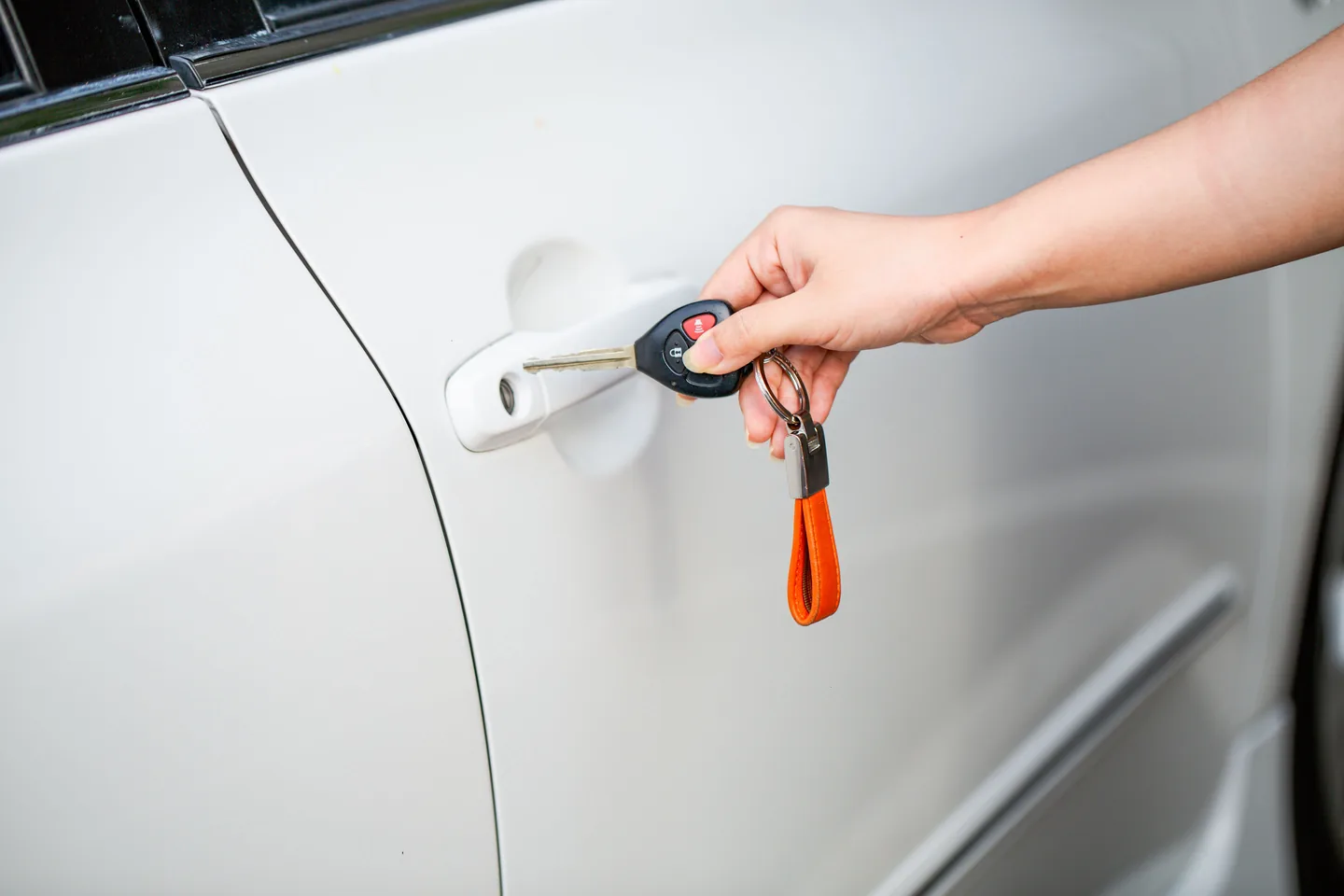
Have ID and vehicle permission details ready
Being able to describe a car does not show that you are allowed to access it. For a lockout request, be ready to establish both who you are and your connection to the vehicle. City Roadside asks drivers to have ID and proof of ownership or permission ready. The exact proof of ownership for car lockout service, including alternatives when documents are inside, must be confirmed before service is arranged.
Identity and permission answer different questions
Your identification helps establish who is requesting access. A document connecting you to the vehicle helps establish why you are authorized to enter it. One does not automatically answer the other. A driver's license alone may identify you without identifying the car, while a plate number identifies a vehicle without establishing your permission to use it.
The person requesting service may be the registered owner, a renter, an employee driving a work vehicle, or someone borrowing a family member's car. If you are borrowing, renting or driving a work vehicle, explain that when you call so the provider can discuss permission requirements.
City Roadside's public lockout page says the technician verifies ownership or permission before service. It does not publish an exhaustive accepted-document list. The examples below are preparation suggestions and questions to ask, not a guarantee that a particular document, screenshot or phone call will be accepted.
Prepare proof of ownership for car lockout verification
Have your ID available and locate any current vehicle document you can access safely. Registration, a rental agreement or an employer's vehicle authorization may help explain the situation. Ask the provider which evidence is appropriate for your request. Do not assume that carrying one of these documents automatically meets its verification requirements.
Check that the information relates to the vehicle beside you. An old document for a previous car or a rental agreement naming a different vehicle can create confusion. If a name has changed, the vehicle was recently purchased, or records have not been updated, mention that before someone travels to your location.
Do not stand in traffic to read a vehicle identification number or retrieve paperwork. Start the call with the location, year, make and model you know. If further details are needed, ask how to provide them safely. A vehicle description helps assess the request; it is not a substitute for permission.
If your wallet or registration is locked inside
Say so at the beginning of the call. This is specifically addressed in City Roadside's existing instructions: drivers should tell the company if ID or vehicle documents are inside. Do not wait until arrival to disclose that the documents requested during the call are unavailable.
Explain what you do have access to, without sending it immediately. You might be able to contact the owner or access relevant records on your phone. Ask whether those options are useful and what process is required. Digital access is not a promise of acceptance, and the technician may need additional verification.
Avoid treating entry first and verification afterward as an agreed arrangement. City Roadside's stated process requires ownership or permission to be verified before service. If that cannot be established through the available process, do not assume the request can proceed. Resolve the verification question directly with the provider.
Rental, borrowed and work vehicles need a clear explanation
For a rental, have the rental company's name and agreement available if you can access them. Contact the rental company using its official contact details to ask about lockout assistance and authorization. Its agreement or assistance policy may affect what you should arrange. Do not assume that having the keys earlier establishes your current authorization.
For a borrowed vehicle, explain that someone else owns it and ask what permission the provider needs. Contact the owner so they are available if necessary. Do not impersonate the owner or assume that a text message will be sufficient. City Roadside's exact process for an absent owner requires direct confirmation.
For a company vehicle, contact the person responsible for it, such as your manager or fleet contact. Ask whether your employer has an approved assistance process. Let the service provider know whose name appears on the records and who can confirm your authority. A work badge alone should not be treated as an automatic authorization.
Protect your documents as well as your vehicle
Use the initial call to describe the situation and ask what is needed. Do not put driver's license photos, registration images, insurance records or full identification numbers into a general website form, public message or chatbot. A location and vehicle description are enough to begin asking about availability and the verification process.
Before showing sensitive records, confirm that you are dealing with the company you contacted. ALOA recommends checking that the business that arrives matches the one you called. If someone unexpectedly requests documents through a different number or unfamiliar link, pause and verify the request through the business's known contact details.
Ask how any required documents will be reviewed and provide only what is necessary for the stated purpose through an agreed method. This article does not promise a particular retention or deletion policy. If the process is unclear, ask before sharing a copy rather than assuming every request for personal information is routine.
An emergency is not a routine paperwork question
If a child is alone in a locked vehicle, call 911 immediately. NHTSA advises immediate action; do not spend the first minutes searching for registration or negotiating an ordinary service appointment. Tell emergency responders where the vehicle is and what is happening, and follow their instructions.
For a routine lockout, call (813) 699-2278 with your location, vehicle year, make and model, and whether you own the vehicle or have permission to use it. Tell City Roadside which documents are available and which are inside. Ask what verification is needed before arranging help.
Is a photo of my registration enough?
Do not assume it is. Ask City Roadside whether a digital copy can be accepted for your request. Describe what you have and confirm the acceptable verification process directly.
Does the vehicle have to be in my name?
City Roadside's lockout information includes authorized drivers as well as owners. If it is a rental, borrowed or work vehicle, explain that and ask how permission must be established.
Should I upload my ID with a lockout request?
Do not place sensitive document images into a general form or chatbot. First confirm the provider's identity, what verification is necessary, and how it should be presented.